

Moving or cloning a site
What safe mode is, why your staging copy stops sending, and how to handle a domain change.
Copy a WordPress site and you copy its database — including the ChangeTrace connection. Without a guard, your staging clone would happily report its test orders as if they were your real shop's.
ChangeTrace prevents that. When it connects, it records the domain. If the domain it is running on later differs, it stops sending anything.
Safe mode
The ChangeTrace screen shows:
Sending paused (safe mode). This site is connected as
oldshop.combut is now running atstaging.oldshop.com— it looks like a copy or migration.
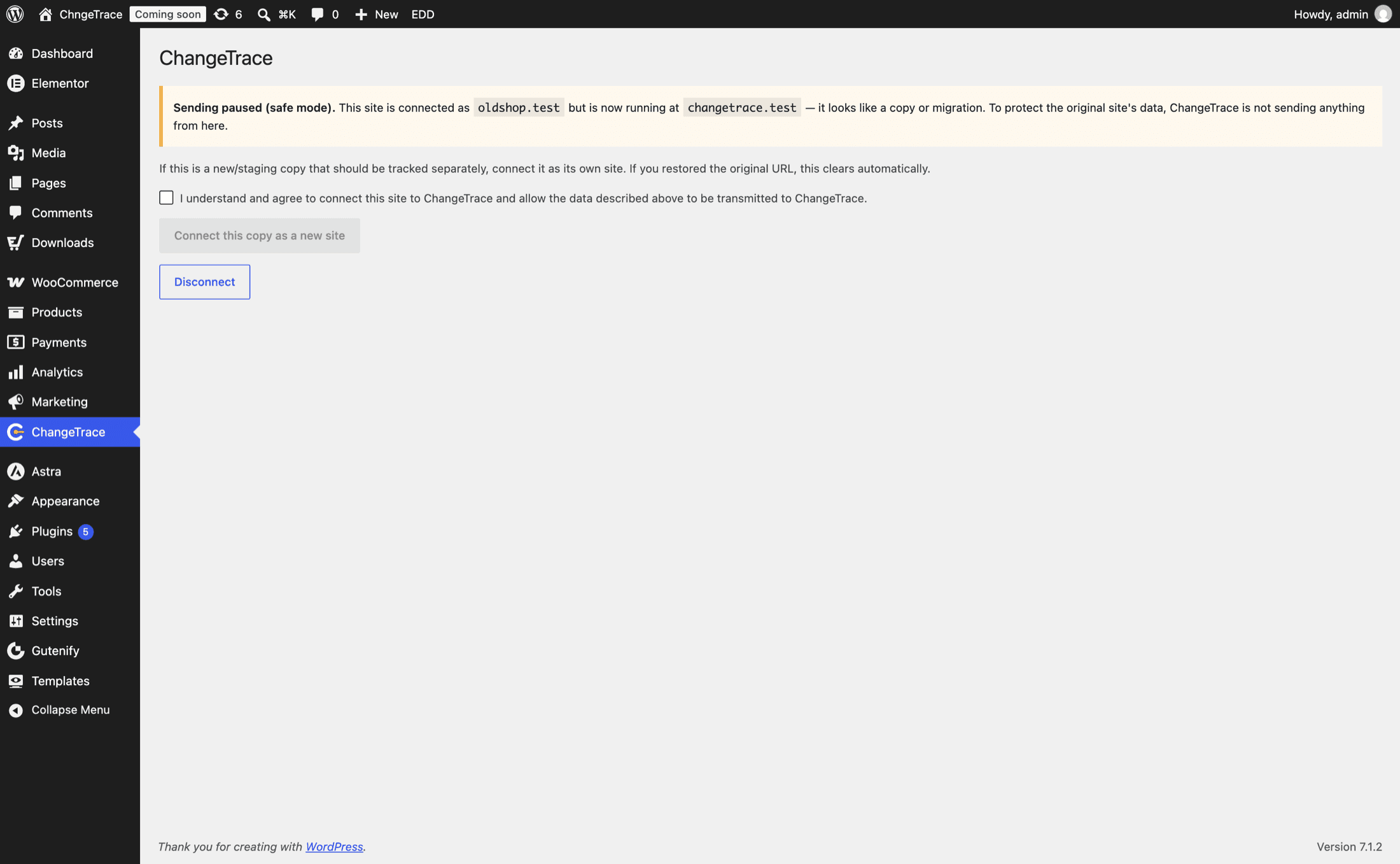
While paused: no events, no heartbeats, no snapshots. Your queued events stay put; they are not lost, just not sent. The original site keeps reporting normally and is completely unaffected.
Two buttons:
- Connect this copy as a new site — for a staging or dev copy you genuinely want to monitor separately. It registers as its own site and consumes a slot on your plan.
- Disconnect — for a copy that should not report at all. The usual choice for staging.
Which situation are you in?
Your live site is untouched. On the copy, either Disconnect (recommended) or deactivate the plugin there.
Monitoring staging separately is rarely worth it: test orders would skew nothing on production (separate sites, separate baselines) but would consume a plan slot and generate incidents nobody acts on.
Pointing a staging copy at a different environment
If you run your own ChangeTrace environment, or want staging reporting elsewhere, override the
API URL in wp-config.php on the copy:
define( 'CHANGETRACE_API_BASE_URL', 'https://api.staging.example.com' );
define( 'CHANGETRACE_APP_URL',      'https://app.staging.example.com' );
{ }For developers
The domain pin lives in the changetrace_connected_host option, compared against home_url()
before every request; a mismatch short-circuits locally with domain_mismatch. The API enforces
the same rule independently — it reads X-ChangeTrace-Site-Url and returns 409 — so a clone that
somehow bypassed the local check still cannot write to the original site's data.