

Quickstart
Install the plugin, connect your store, and confirm data is flowing — about 10 minutes.
This is the short path. Each step links to a longer page if something does not go as described.
Before you begin
Check you are on WordPress 6.2 or newer and PHP 8.1 or newer. The plugin does not warn you if you are below either — it will simply break. Your host shows both under Tools → Site Health → Info. Full list on Before you start.
Install the plugin
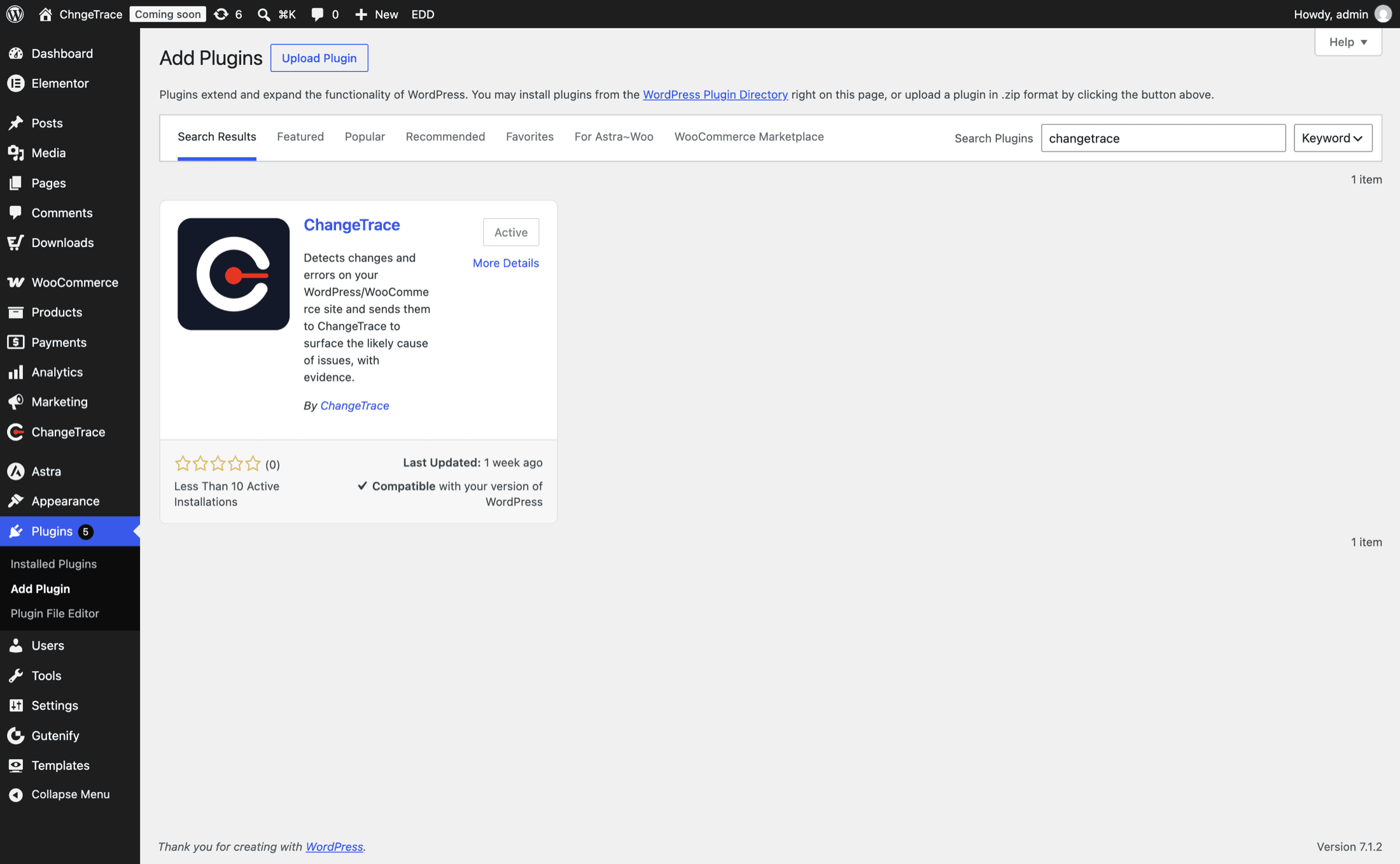
In WordPress, go to Plugins → Add New, search for ChangeTrace, then click Install Now and Activate.
WordPress takes you straight to the ChangeTrace screen after activation.
Connect your store
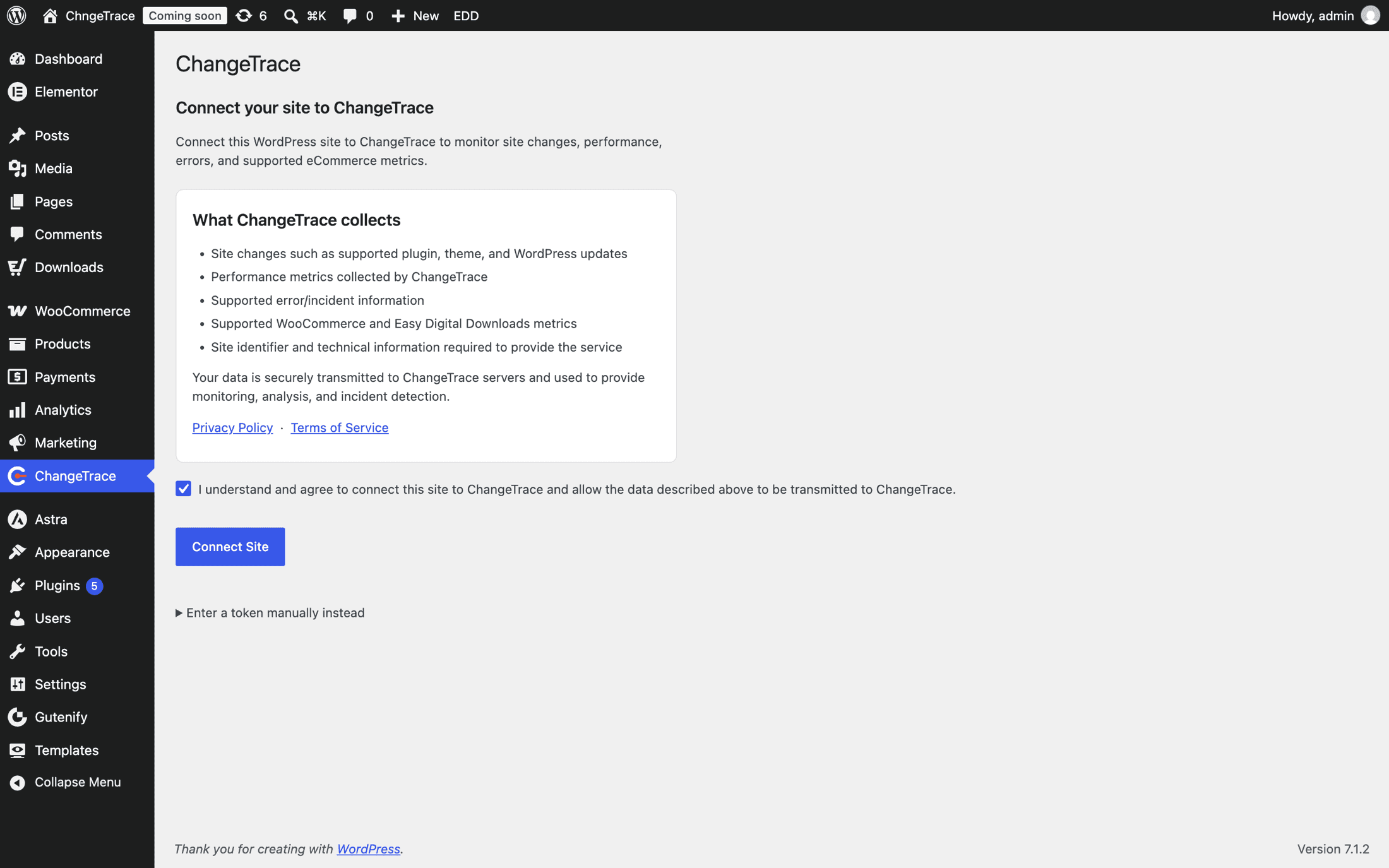
On the ChangeTrace screen, tick the confirmation checkbox, then click Connect Site.
Your browser goes to ChangeTrace, where you sign in or create a free account. If this is your first time, you will be asked for an organization name — this is the account your sites belong to, so use your business name.
Approve the connection and you land back in WordPress with the site connected. You never see or copy a token.
Confirm it worked
The ChangeTrace screen now shows a status table: your site token (masked), the last heartbeat, how many events are queued, and which monitoring modules are on.
Click Send test heartbeat. You want "Heartbeat sent successfully."
What each row means, and what to do if the heartbeat fails →
Open your dashboard
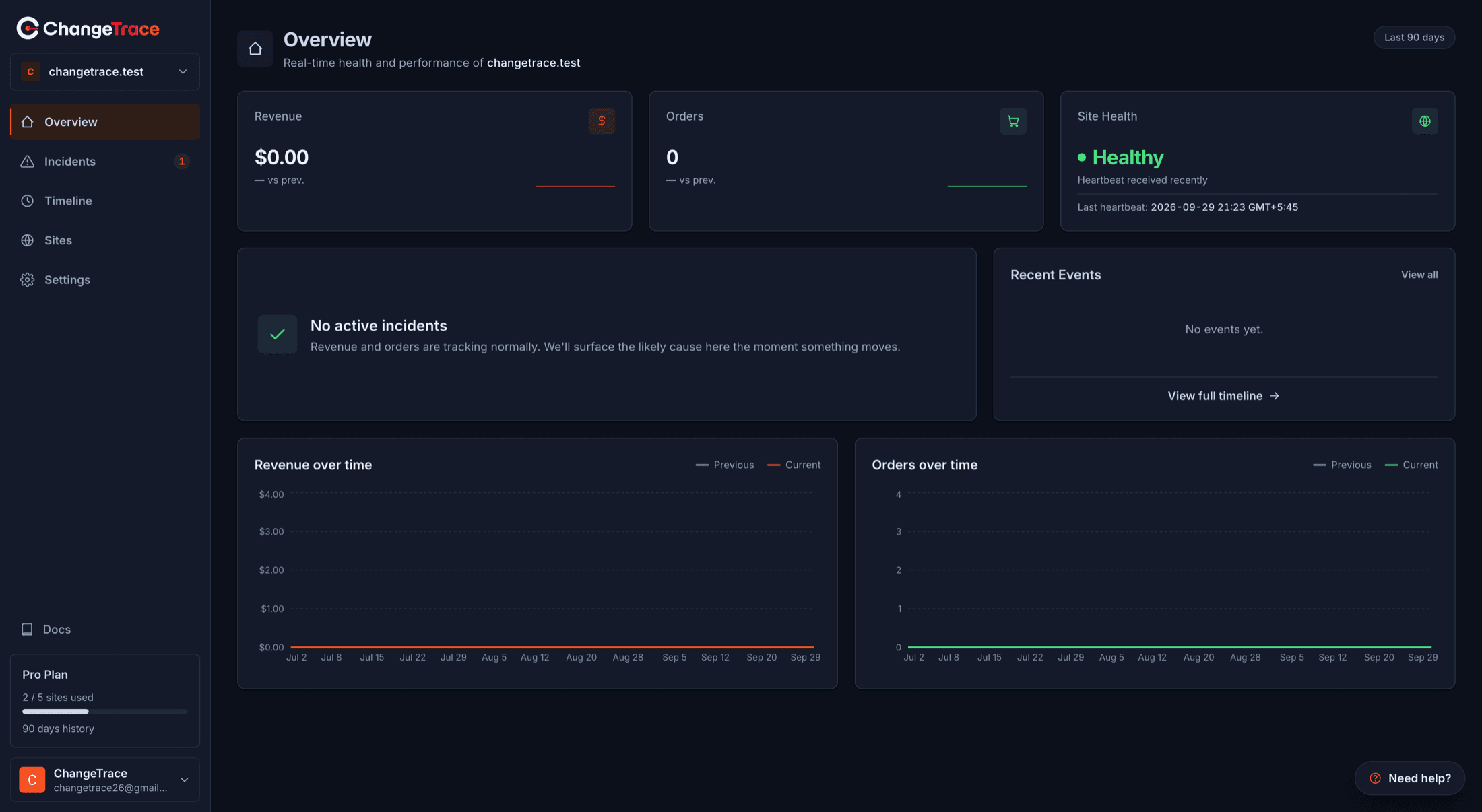
Go to app.change-trace.com. The "Install the plugin" banner disappears on its own once your first heartbeat arrives.
Your first changes show up on the Timeline within about five minutes. Revenue and orders appear within about ten minutes of your first sale after connecting.
Know what to expect next
This is the step people skip, and then think the product is broken.
| What you are waiting for | When it appears |
|---|---|
| Changes on the Timeline | Within ~5 minutes |
| Revenue and Orders cards | Within ~10 minutes of your first order |
| "Healthy" site status | After the first hourly heartbeat |
| An outage incident, if your site goes down | ~10 minutes into real downtime |
| A sales-drop incident | Not for about a week — see below |
Sales-drop detection needs a week of history first
ChangeTrace compares yesterday against your own trailing 7-day average. Until it has that history it stays quiet on purpose, because it has nothing to compare against yet. Then it checks once a day, at 1:00 AM UTC.
Uptime and error monitoring start immediately — it is only the revenue and order anomalies that need a baseline. Full detail →